To add an email account to your iPhone or iPad:
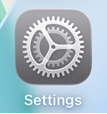
1)Open Settings
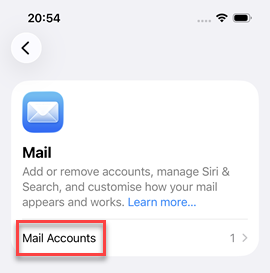
2)Select Mail or Apps > Mail
3)Select Mail Accounts
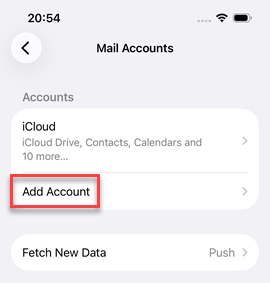
4)Select Add Account
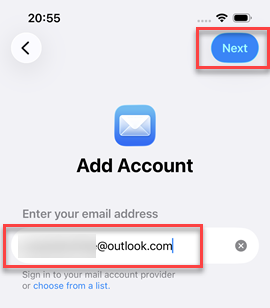
5)Enter your email address and click Next, or click choose from a list to select your provider
6)Complete next step where you will be need to enter password or have a code sent to your email or phone to proceed
7)If you see a message similar to "Let this app access your info?" then click Accept
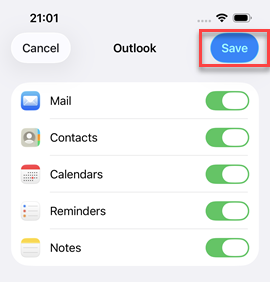
8)If prompted (depending on email provider) you can now choose whether to sync just Mail, or also Contacts, Calendars, Reminders and Notes, once selected click Save
9)Your email account has now been added and you can now access it via the Mail icon on your home screen